Notea

YOUR SPACE, ORGANIZED

One app.
For all your
important things.

Notes, return visits, studies, ministry and more — beautifully organized in one private space.

  • Private & secure
  • Sync across devices
  • English & Spanish
  • Beautiful themes
Install Notea

noteatheapp.pages.dev

Install-ready on Chrome, Safari and desktop browsers.
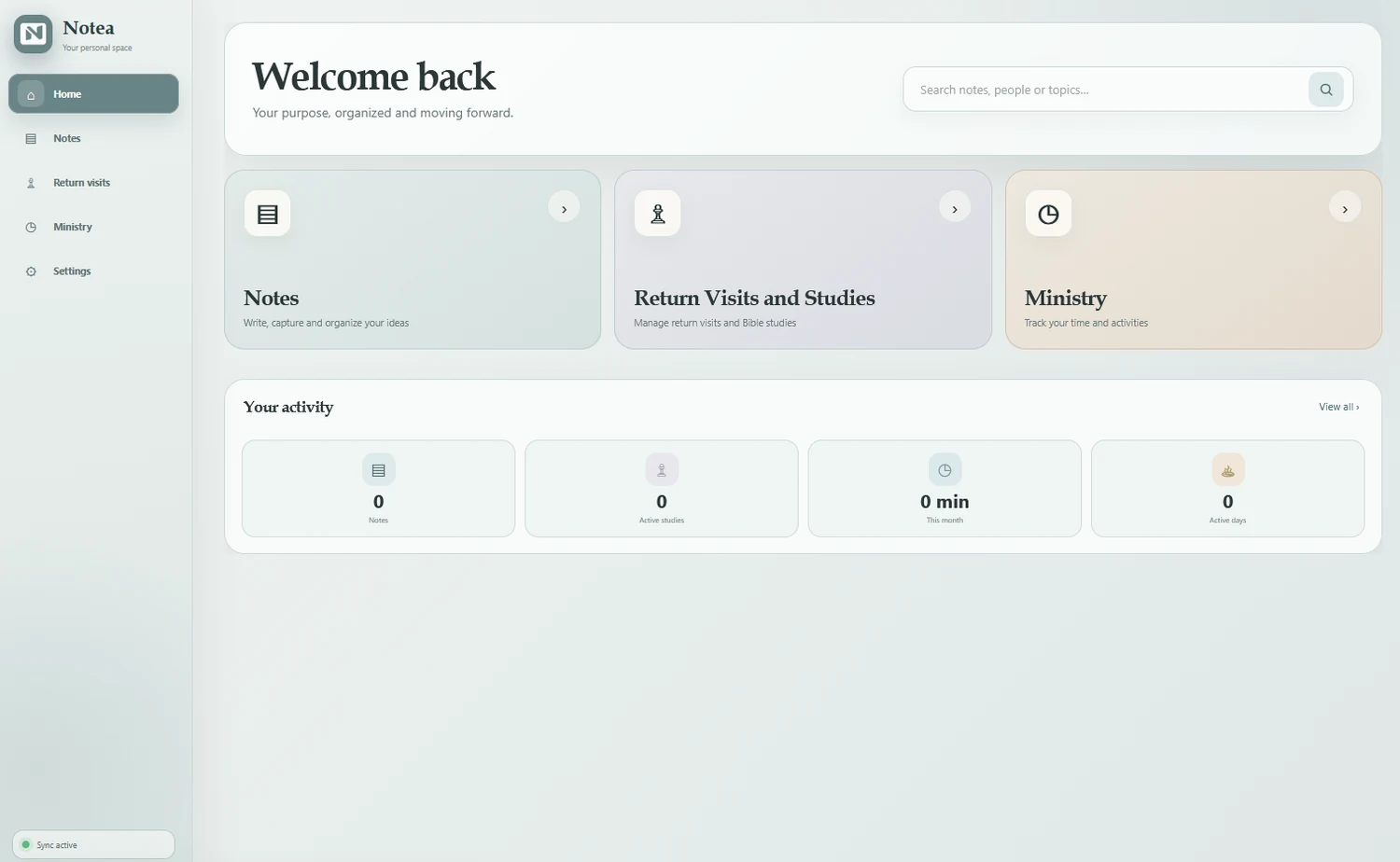
Notea desktop home screen
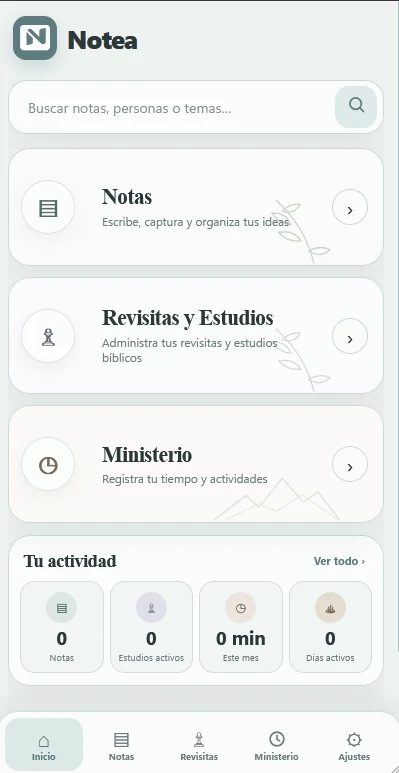
Notea mobile home screen

POWERFUL FEATURES. SIMPLE EXPERIENCE.

Everything important, in one place.

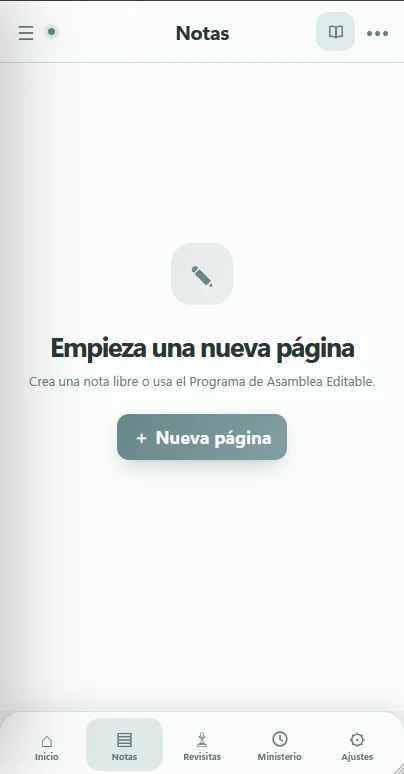
Notes

Write and organize your ideas without friction.

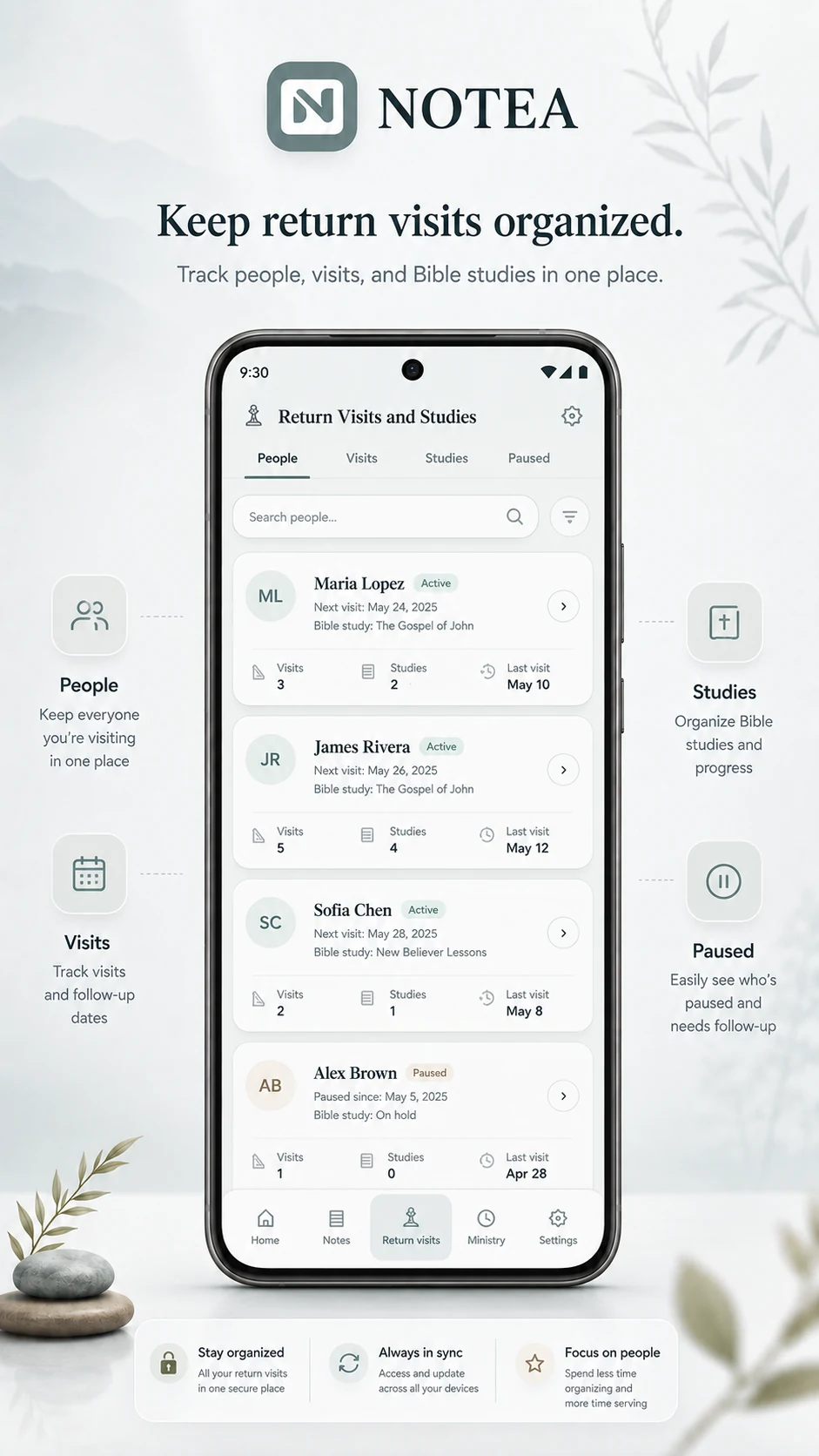
Return Visits & Studies

Manage people, visits and Bible studies clearly.

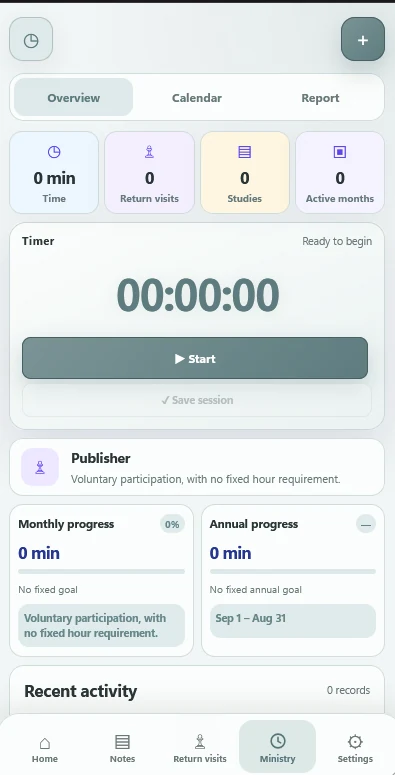
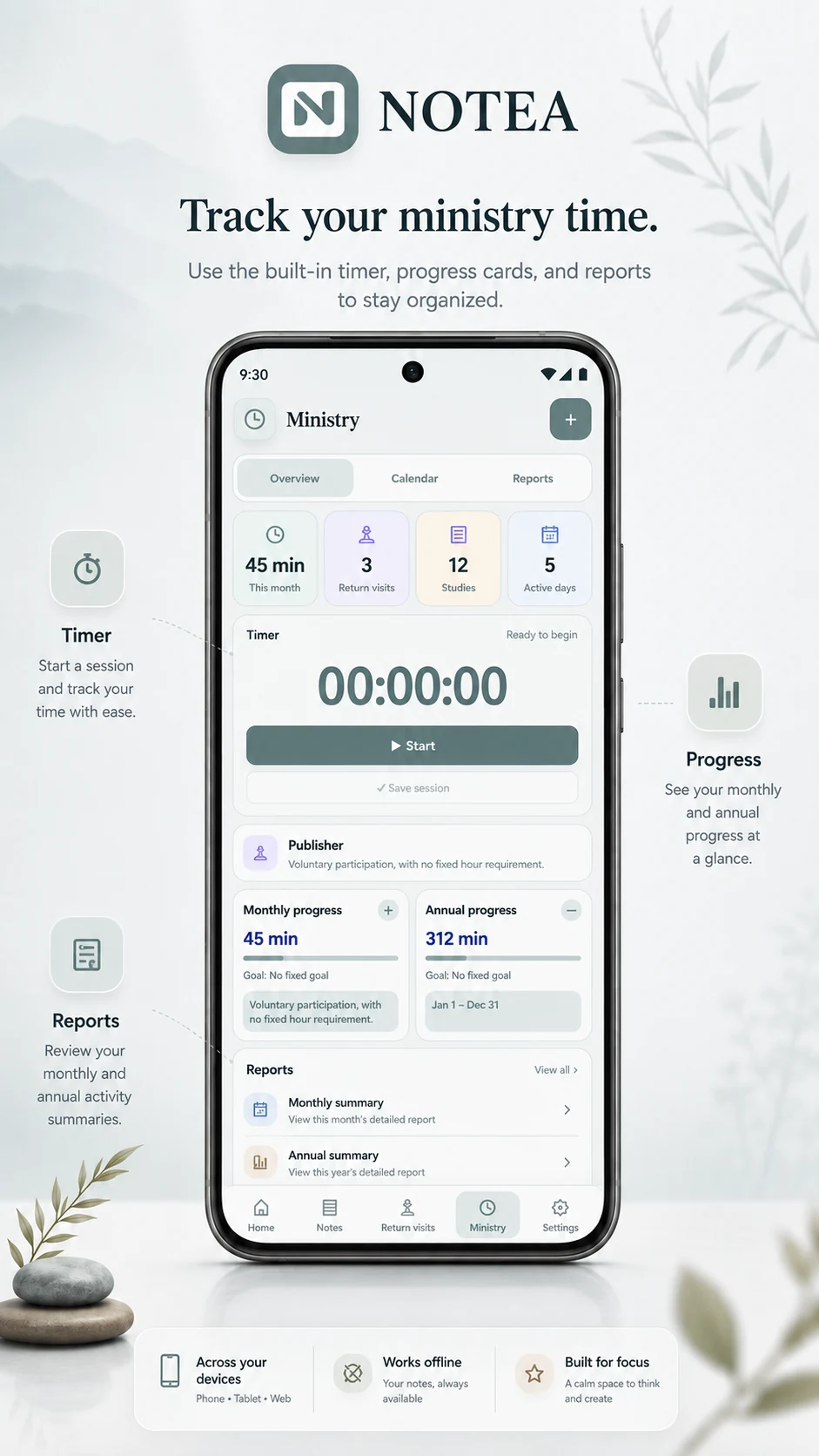
Ministry

Track your time, progress and activity.

Themes

Choose the atmosphere that feels right for you.

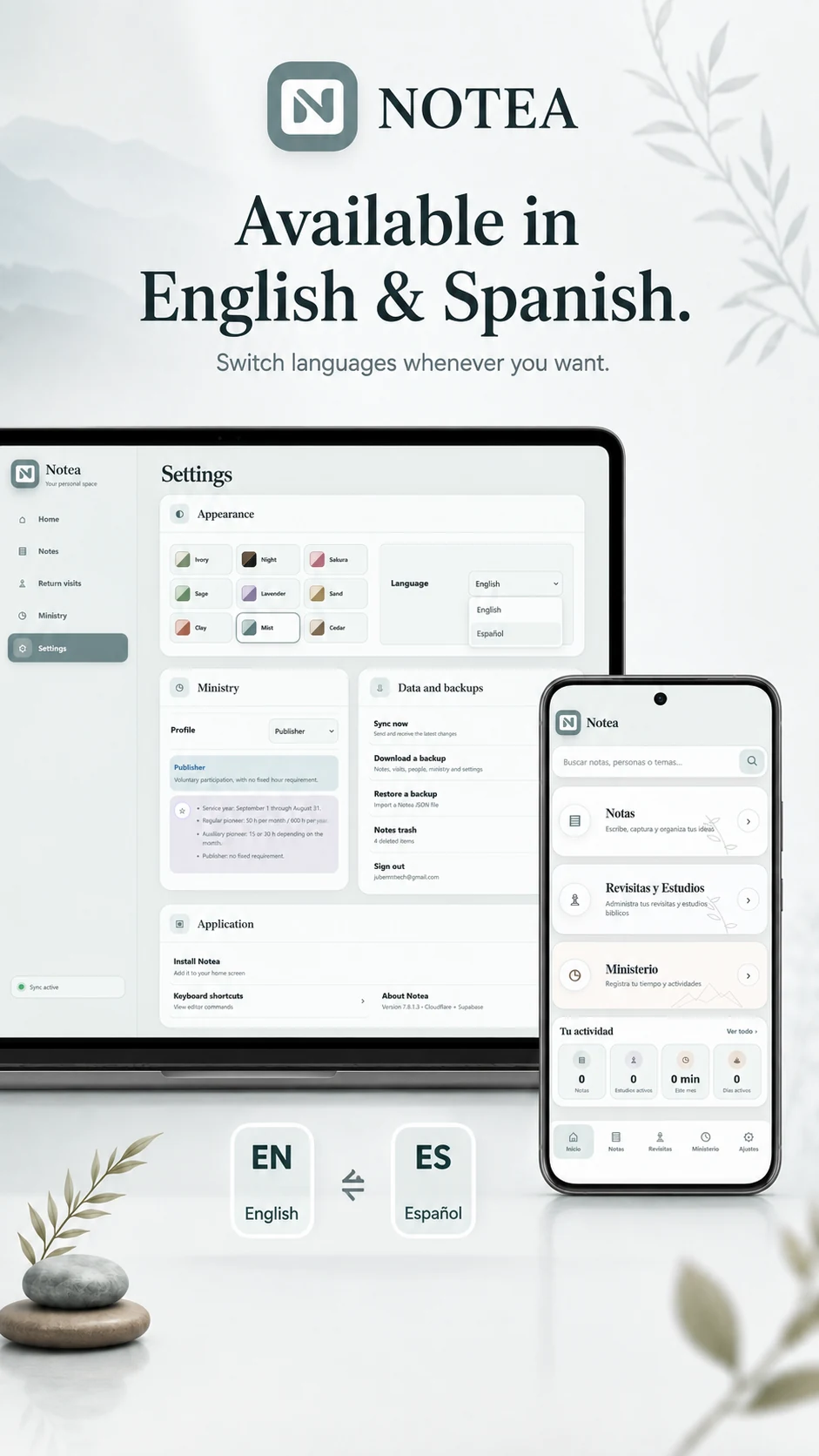
Bilingual

Switch between English and Spanish whenever you want.

MADE FOR EVERY SCREEN

Calm on mobile.
Spacious on desktop.

NOTEA adapts naturally to the device you are using, while keeping the same familiar structure.
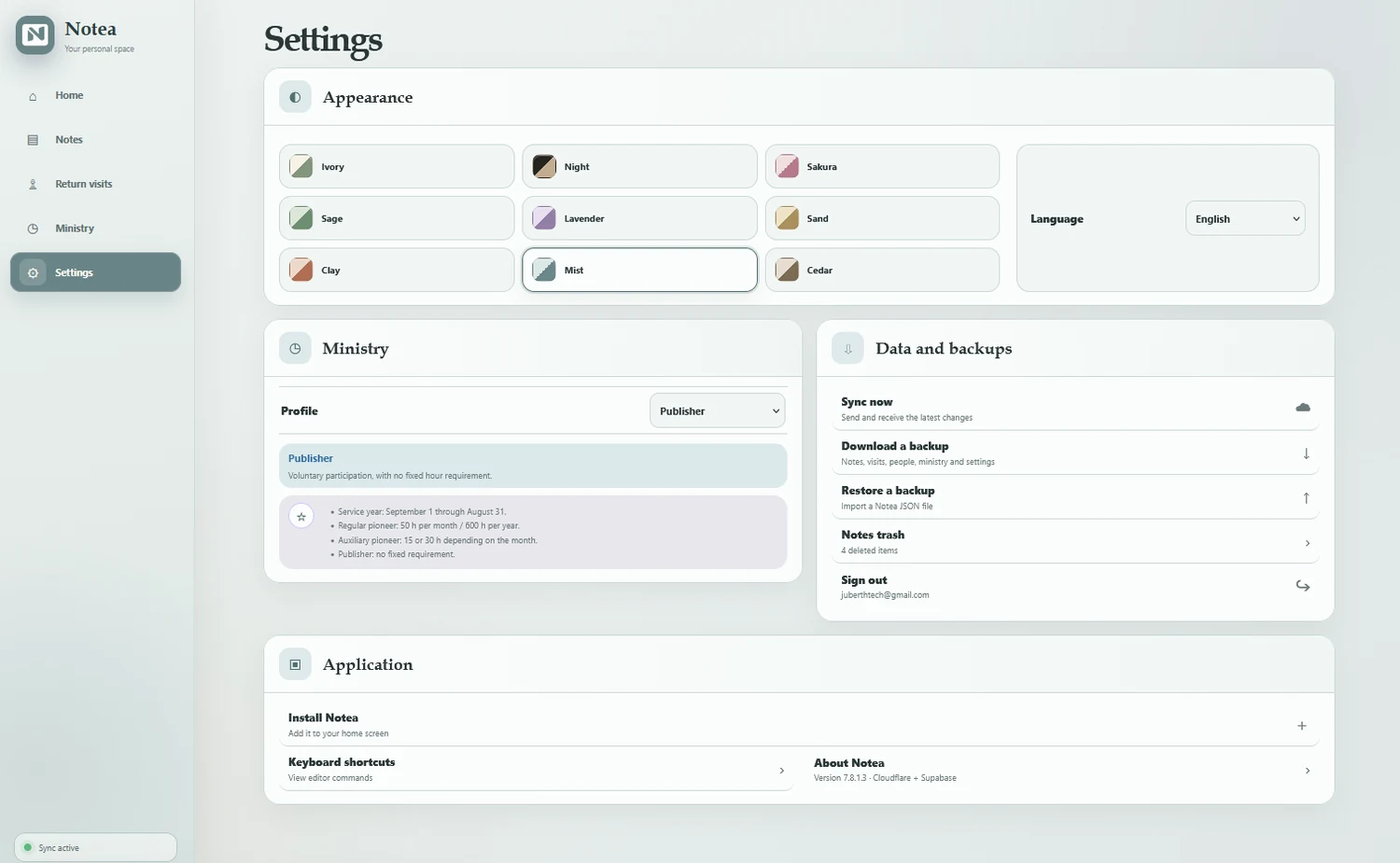
Notea settings on desktop
Desktop settings
Notea notes on mobile
Notes on mobile
Notea ministry on mobile
Ministry on mobile

INSTALL NOTEA

Get the app-like experience.

NOTEA can be added to your device like an app, with its own icon and a clean full-screen experience. Use the main button above and follow the instructions for your device.

App-like experience Home screen icon Works across your devices

iPhone & iPad

Recommended: Safari

  1. Open NOTEA in Safari
  2. Tap Share ↗
  3. Select Add to Home Screen
  4. Tap Add

Desktop

Recommended: Chrome or Edge

  1. Open NOTEA in your browser
  2. Look for the Install icon in the address bar
  3. Or use the browser menu
  4. Choose Install Notea

MAKE IT YOURS

Choose a look that fits your moment.

From Mist and Ivory to Sage, Night and Sakura, NOTEA gives your workspace a different mood without changing how it works.
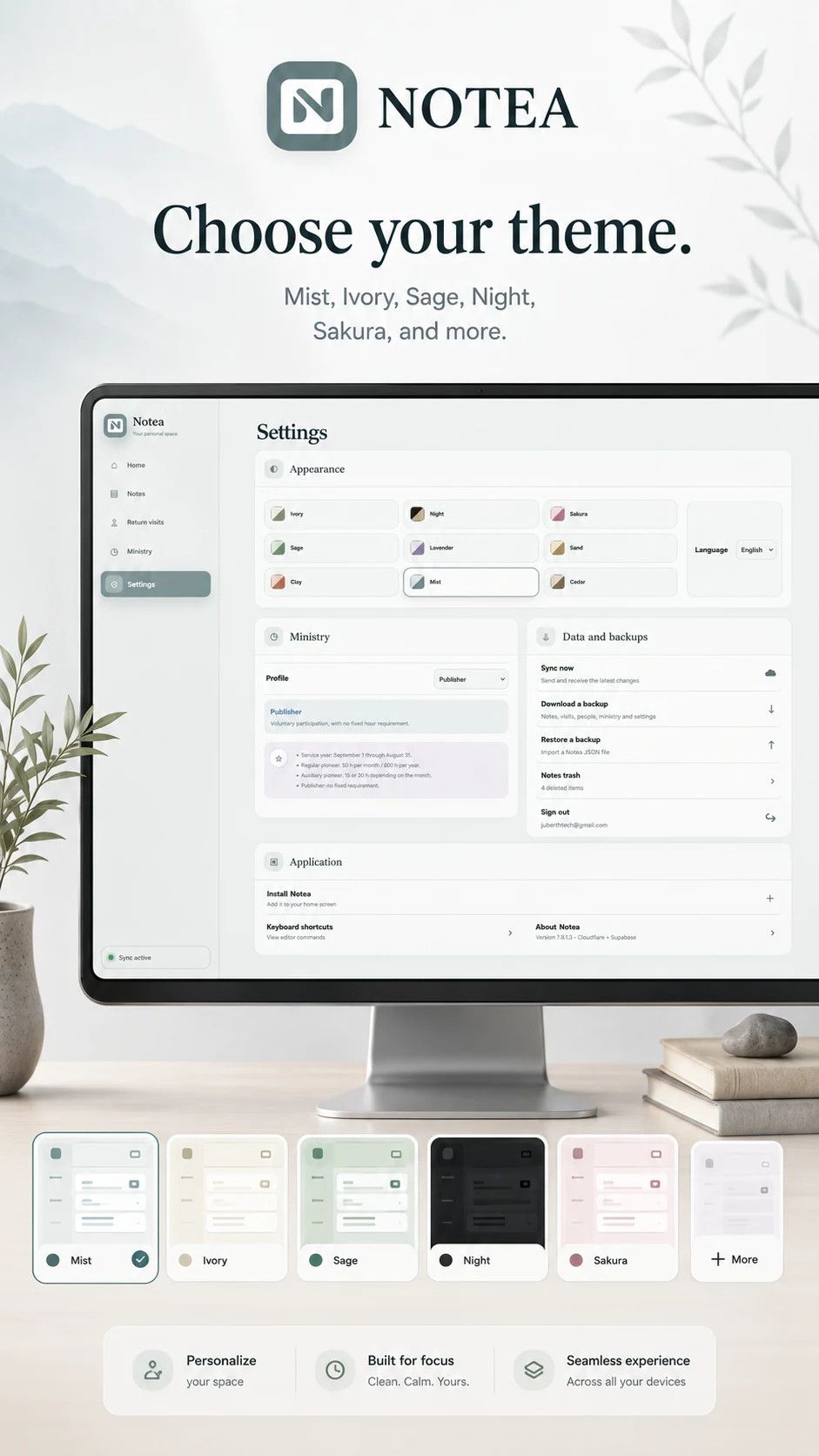
MistIvorySageNightSakura
NOTEA theme campaign artwork

EXPLORE NOTEA

A closer look.

Swipe through the campaign to see the different parts of NOTEA.
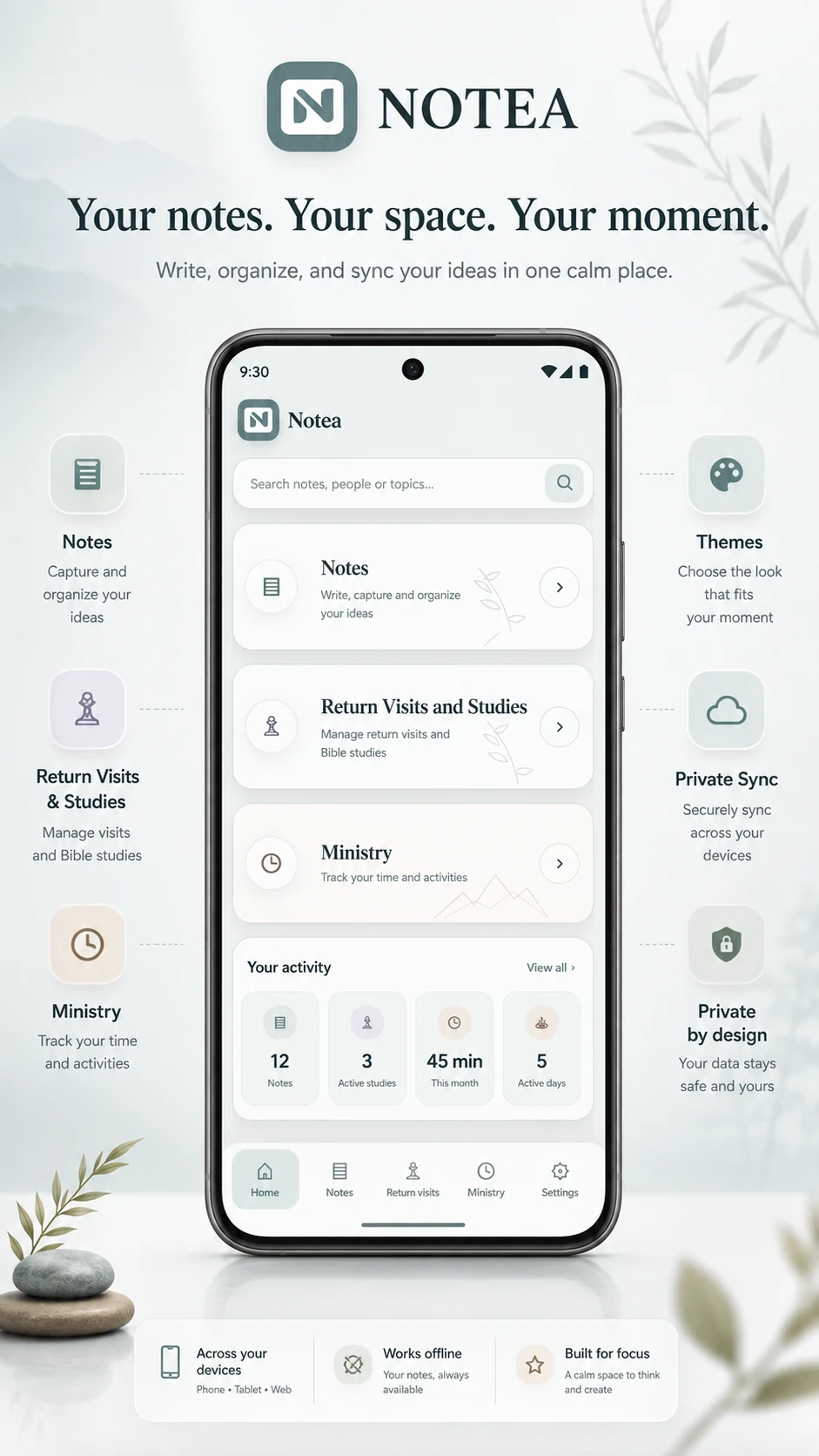
NOTEA home campaign
Your space
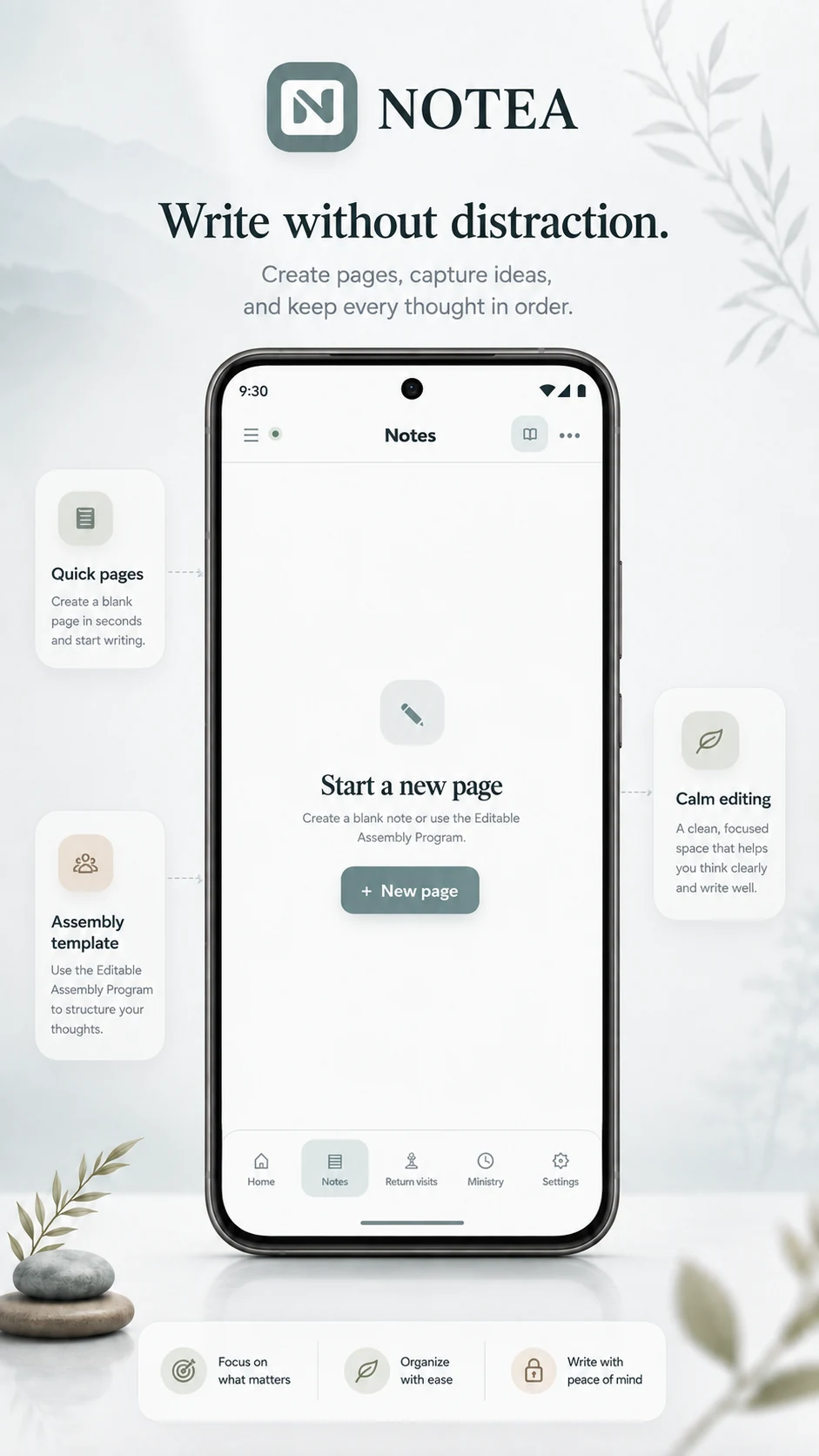
NOTEA notes campaign
Notes
NOTEA return visits campaign
Return visits
NOTEA ministry campaign
Ministry
NOTEA themes campaign
Themes
NOTEA bilingual campaign
English & Spanish
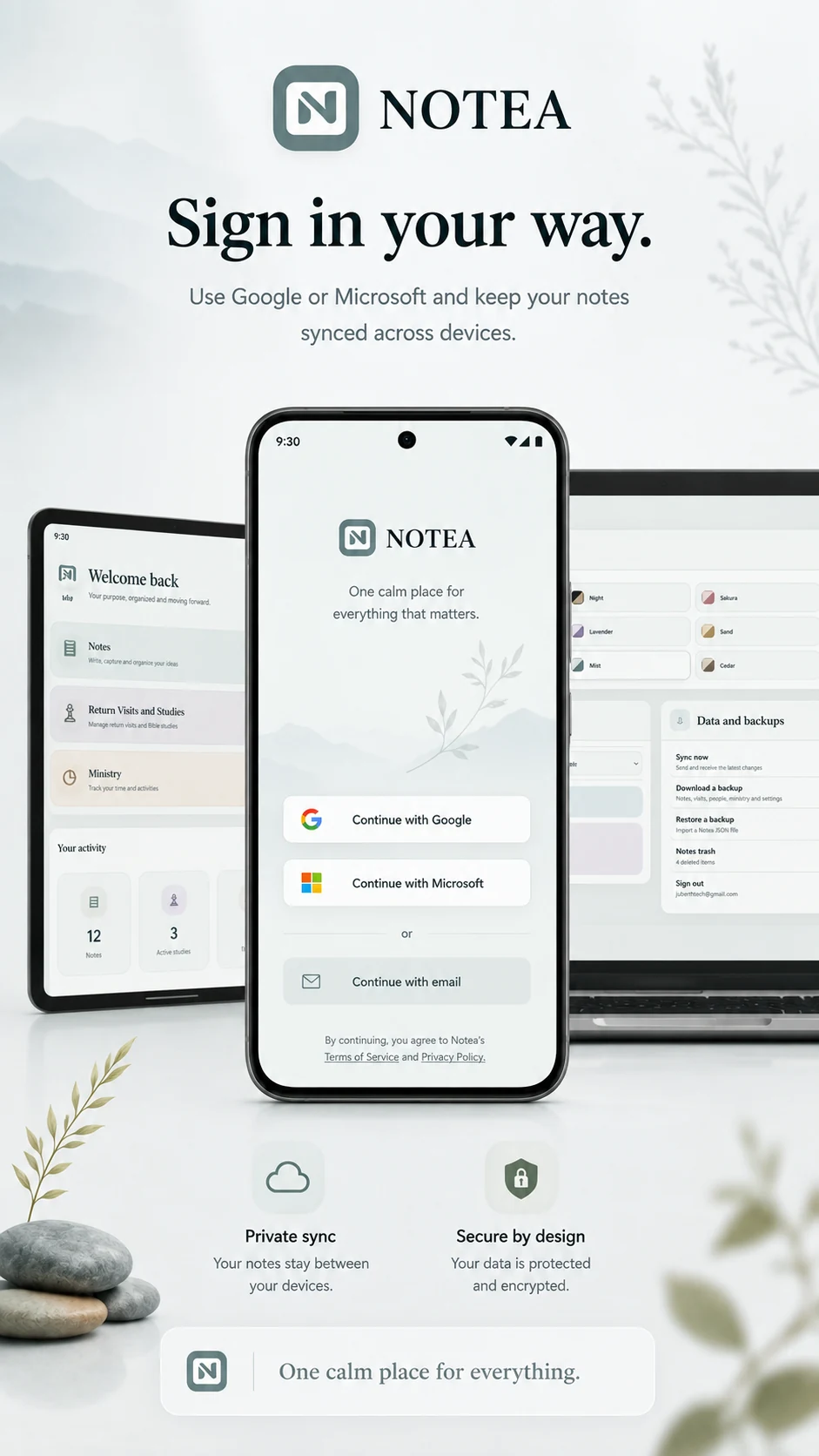
NOTEA sign in campaign
Private sync
NOTEA desktop interface
Desktop

INSTALL NOTEA

Install Notea

Follow the steps for your device.

    Tip: if an install prompt appears, accept it to add NOTEA to your home screen.

    Expanded campaign image